Cloud-Based Lab Reporting Software
Pathology Reporting Software for Faster, Accurate Lab Reports
Create, review, approve and deliver professional pathology reports through one connected platform. Flabs pathology reporting software helps diagnostic laboratories automate result entry, standardize report formats, manage pathologist approvals and securely deliver reports to patients and doctors. Reduce repetitive reporting work while maintaining control over report accuracy, branding and final authorization.
Trusted by 3000+ Labs


Automate Your Complete Pathology Reporting Workflow
Flabs connects every stage of the reporting process, from analyzer result capture to final report delivery.
Capture Test Results
Import results from supported laboratory analyzers or enter them manually through structured result-entry screens. Test and patient mapping helps laboratory teams organize results correctly and reduce repetitive data entry.
Flabs can also support bulk result-entry workflows for laboratories processing higher test volumes.
Review and Validate Results
Technicians can review test values, reference ranges, abnormal results and pending parameters before forwarding a report for approval.
Configured workflows can help identify:
- High or low values
- Critical results
- Missing parameters
- Incomplete test profiles
- Reports awaiting review
Authorized laboratory professionals remain responsible for validating results before release.
Approve and Deliver Reports
Pathologists can review reports, add interpretations and approve them using controlled user permissions and digital-signature workflows.
Once approved, reports can be delivered through WhatsApp, email, secure downloads or dedicated patient and doctor portals.
Key Features of Flabs Lab Reporting Software
Customizable Pathology Report Templates
Create professional reports aligned with your laboratory's branding and test requirements. Customize:
- Laboratory logo and letterhead
- Test-specific layouts
- Patient and doctor information
- Units and reference ranges
- Notes and interpretations
- Headers and footers
- Branch information
- Signatory details
- QR codes and barcodes
Laboratories can maintain different formats for individual tests, profiles, departments or branches.
Analyzer Result Integration
Connect supported laboratory analyzers with Flabs to transfer results directly into the reporting workflow.
- Reduce manual transcription
- Map analyzer parameters to tests
- Capture results faster
- Minimize repeated data entry
- Process higher report volumes
Uni-directional or bi-directional integration may be available depending on the analyzer and laboratory requirements.
Digital Review and Approval
Create controlled review workflows for technicians, pathologists and authorized signatories. Flabs can support:
- Technician verification
- Pathologist approval
- Role-based access
- Digital signatures
- Approval timestamps
- Controlled report release
- Report locking after approval, where configured
QR Codes, Barcodes and Report Verification
Add dynamic QR codes, unique report identifiers and barcodes to laboratory reports.
- These features can support secure report verification, controlled downloads and easier identification of patient and sample records.
Report Status and Audit Trail
Monitor reports throughout the workflow using clear status indicators such as:
- Pending
- Under review
- Awaiting approval
- Approved
- Delivered
Laboratories can also maintain user activity, modification history, approval records and report-correction information for better traceability.
Create Professional and Branded Pathology Reports
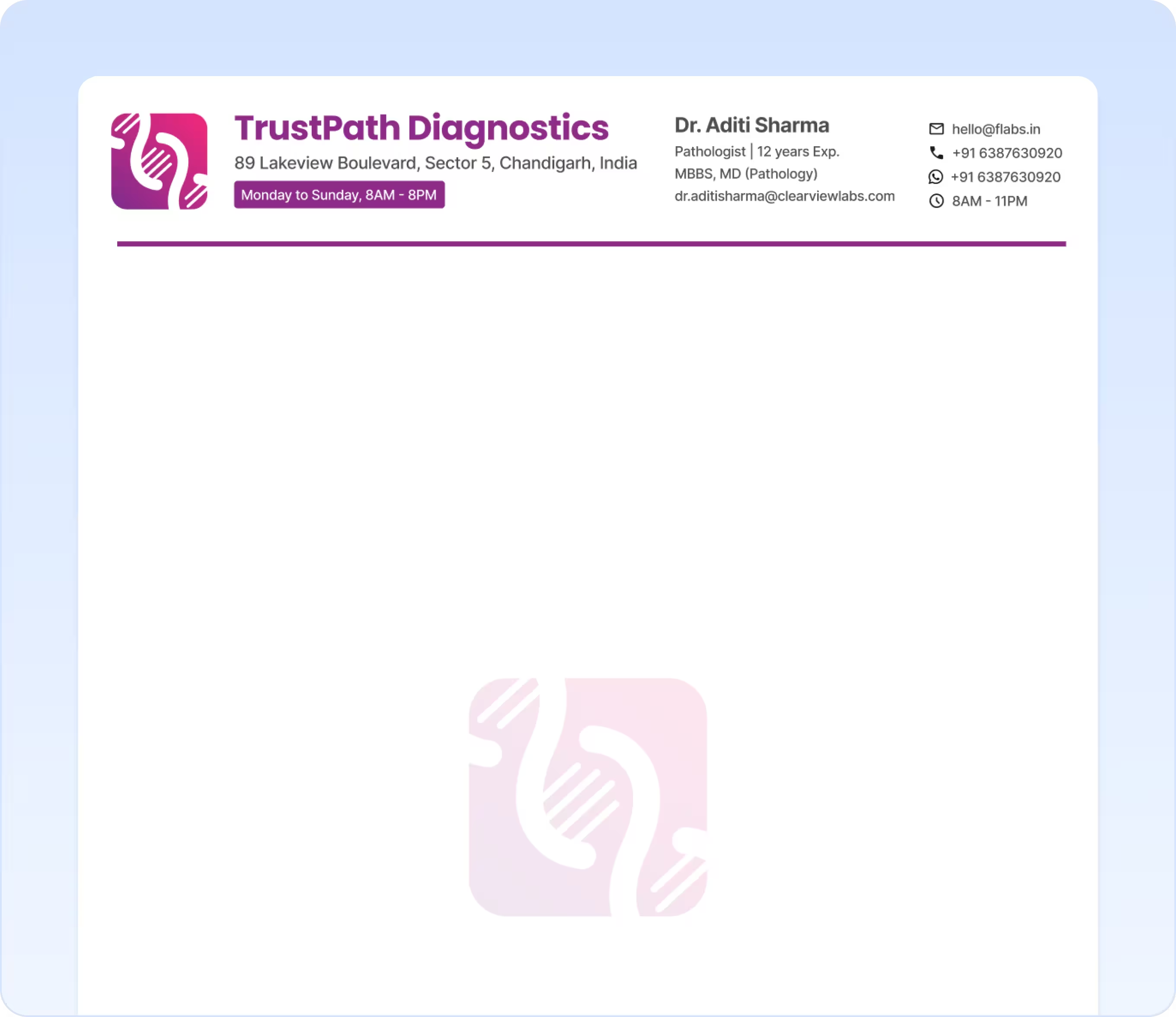
Flabs pathology report software helps laboratories create consistent reports without manually rebuilding every format.
Reports can include patient details, referral doctor information, test results, units, reference ranges, methods, instrument details, interpretations and laboratory comments.
Laboratories can also add digital signatures, QR codes, barcodes and branch-specific information while maintaining a consistent visual identity across all reports.
Centralized report templates are particularly useful for multi-branch laboratories that need to standardize layouts, reference information and approval practices across locations.
Explore customizable pathology report formats →Deliver Lab Reports Through WhatsApp, Email and Portals
Approved reports can be shared digitally with patients, referral doctors and business partners.
Messaging & alerts
- SMS notifications
Portals & access
- Patient portals
- Referral doctor portals
- Corporate or B2B access
Downloads & sharing
- Secure PDF downloads
- Bulk report sharing
Digital delivery can reduce printing, unnecessary laboratory visits and repeated calls asking whether reports are ready.
Patients and doctors can receive faster access to approved reports, while laboratory teams gain better control over report status and distribution.
Improve Reporting Accuracy and Turnaround Time
Reduce Manual Reporting Work
Analyzer result capture, reusable templates, bulk actions and digital approvals reduce repeated reporting tasks.
Laboratory teams can spend less time copying values, formatting documents and sending reports individually.
Standardize Report Quality
Centralized templates and controlled fields help maintain consistency across reports. Laboratories can standardize:
- Test names
- Units
- Reference ranges
- Report layouts
- Signatory details
- Comments and disclaimers
- Branch branding
Track Reporting TAT
Flabs helps laboratory teams monitor pending reports, approval status and delivery progress. TAT dashboards can help identify:
- Tests awaiting results
- Reports pending technician review
- Reports awaiting pathologist approval
- Delayed or priority reports
- Approved reports not yet delivered
These insights help teams address workflow delays without claiming that software alone eliminates every reporting error.
Reporting Software for Different Laboratory Types
Independent Pathology Labs
Create reports faster using ready-to-configure templates, digital signatures, analyzer integration and WhatsApp delivery.
Multi-Branch Diagnostic Chains
Manage centralized report formats, branch permissions, approval workflows and consolidated report tracking from one system.
Hospital Laboratories
Connect reporting with analyzer results, patient records, priority samples and controlled clinical approvals. HIS or EMR integration may be available based on technical requirements.
Reference and Specialty Laboratories
Manage higher report volumes, B2B clients, customized report formats, bulk approvals and digital delivery through one reporting platform.
Connect Reporting with Your LIS and Laboratory Analyzers
Laboratory Analyzer Integration
Import results from supported machines through configured analyzer integrations. This reduces repeated manual entry and moves results more quickly into the review workflow.
Flabs LIS Integration
Flabs reporting connects with broader laboratory workflows, including:
- Patient registration
- Test ordering
- Sample tracking
- Billing
- Quality control
- TAT management
- Branch operations
Healthcare and API Integrations
Depending on technical compatibility, Flabs may connect with:
- HIS or EMR platforms
- Flabs API
- Patient portals
- Referral doctor systems
- Payment platforms
- Communication tools
AI-Powered Reporting with Flabs Smart Reports
Standard Flabs reporting manages result capture, report generation, review, approval and delivery.
Flabs Smart Reports add an advanced patient-facing layer with:
- Patient-friendly explanations
- Visual trends
- Simplified result summaries
- Personalized health insights
- Easier-to-understand report presentation
Smart Reports complement the standard diagnostic report rather than replacing pathologist-reviewed laboratory reporting.
Explore Flabs AI Smart ReportsSecure Report Access and Audit Controls
Flabs supports controlled reporting workflows through role-based permissions for technicians, pathologists, administrators and other authorized users. Laboratories can maintain:
- Digital approval records
- Report modification history
- User activity logs
- Report version information
- Controlled report release
- Secure patient access
- Backup and data-protection processes
Access and security configurations should be aligned with each laboratory's internal policies and operational requirements.
Implementation, Templates and Staff Training
The Flabs team can help configure the reporting system around your existing laboratory workflow.
Implementation may include:
Training can be provided for technicians, pathologists, laboratory administrators, quality teams and reporting staff.
Why Choose Flabs Pathology Reporting Software?
Complete Reporting Workflow
Manage result capture, validation, approval and digital delivery through one platform.
Customizable Report Formats
Configure laboratory branding, test layouts, reference ranges, digital signatures and QR verification.
Connected Laboratory Operations
Connect reports with patients, samples, billing, analyzers and broader laboratory workflows.
Multi-Branch Standardization
Maintain consistent templates, permissions and approval processes across laboratory locations.
AI Smart Report Upgrade
Offer patients an advanced, visual and easier-to-understand reporting experience.
Customer Results
Flabs supports laboratories looking to reduce manual reporting work, improve delivery speed and standardize reports across teams and branches.
Belife (Fifty One Plus Lab)
Consistent branding across branches and faster report turnaround.
Health Max Diagnostics
Fewer pending reports and clear visibility into report status.
Dr. Mufti’s Laboratory
Less transcription, fewer entry errors and verifiable reports.
Valley View Medical Center
Standardized report formats while scaling from one to five labs in two months.
Modernize Your Pathology
Reporting Workflow
Create, approve and deliver professional pathology reports from one connected platform. Tell the Flabs team about your report volume, analyzers, existing templates and approval process to receive a personalized product demonstration.
Frequently Asked Questions
Pathology reporting software helps laboratories create, review, approve, store and deliver diagnostic reports digitally. It connects result entry, report formatting, pathologist approval and report delivery.
Pathology report software focuses on report creation, approval and delivery. Pathology lab software manages broader operations such as patient registration, sample tracking, billing, referrals and laboratory management.
Yes. Flabs can integrate with supported laboratory analyzers. Compatibility and the type of integration depend on the analyzer model and laboratory setup.
Yes. Laboratories can customize logos, letterheads, report layouts, reference ranges, units, comments, digital signatures, QR codes and test-specific formats.
Yes. Flabs supports role-based review and approval workflows, digital signatures and controlled report release for authorized users.
Yes. Approved reports can be shared through supported digital channels such as WhatsApp, email, secure downloads and portals.
Yes. Flabs can help multi-branch laboratories manage centralized templates, branch permissions, approval workflows and consolidated reporting.
Standard reports present validated diagnostic results in the laboratory’s required format. Flabs Smart Reports add patient-friendly explanations, visual trends and personalized insights.
Pricing depends on the number of users, branches, daily report volume, analyzer integrations, template requirements and selected Flabs modules. Contact the Flabs team for a customized quote.