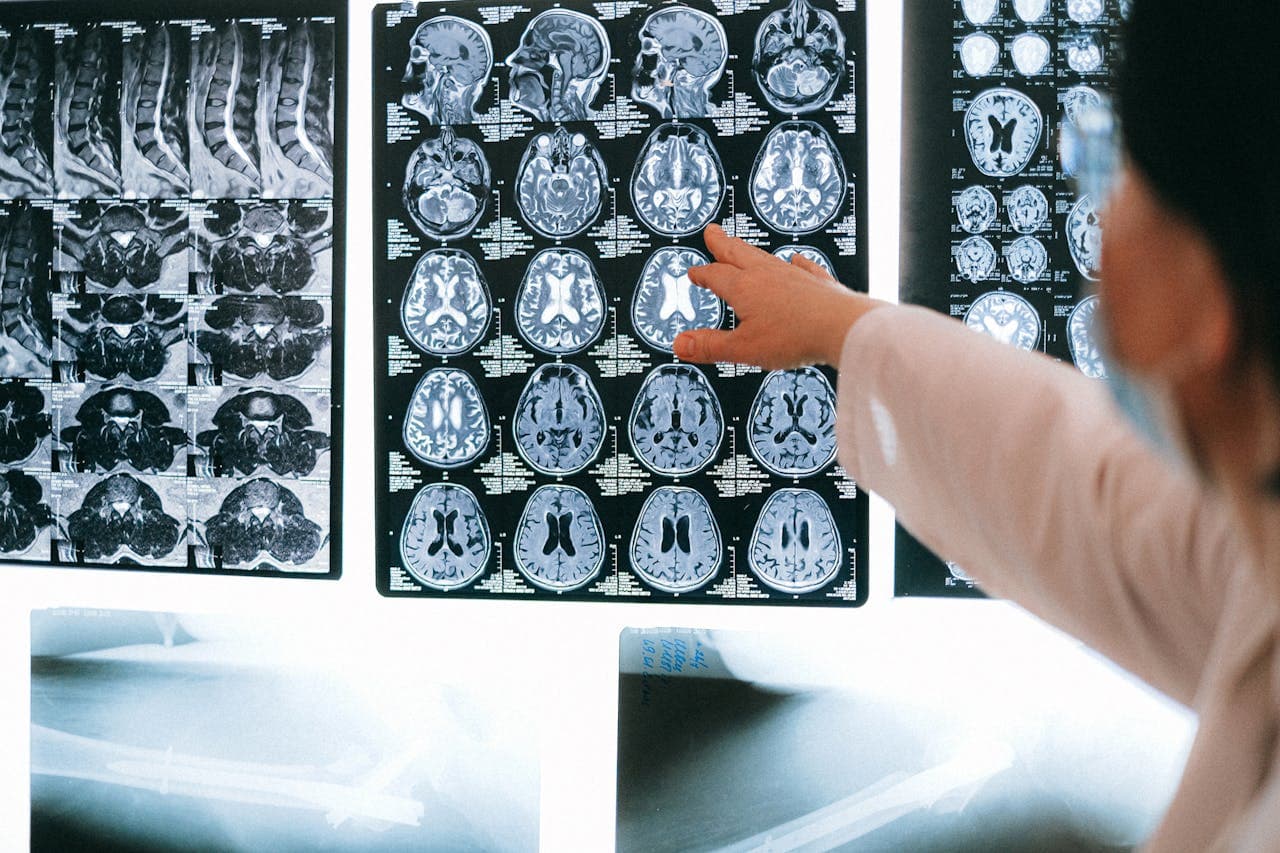
Radiology software has become essential for diagnostic centres, imaging clinics and hospital radiology departments that need to manage patient data, appointments, image workflows, reporting and report delivery more efficiently.
In 2026, most buyers are not looking for only one tool. They are usually comparing a mix of RIS software, PACS systems, DICOM viewers, radiology reporting software, AI-assisted workflow tools and billing integrations.
The right radiology software should help your centre manage:
- Patient registration and scheduling
- Modality-wise workflow
- DICOM image access and PACS integration
- Structured radiology reporting
- Digital report approval
- Patient and doctor report sharing
- Billing and operational reporting
- Multi-branch or teleradiology workflows
This guide compares the top radiology software options and explains which type of solution may fit different diagnostic-centre needs.
RIS vs PACS vs Radiology Reporting Software
Before choosing a radiology software platform, it is important to understand the difference between RIS, PACS and reporting software.
| Software Type | Main Purpose | Best Used For |
|---|---|---|
| RIS - Radiology Information System | Manages patient data, scheduling, workflow, billing and report status | Diagnostic centres and radiology departments |
| PACS - Picture Archiving and Communication System | Stores, retrieves and shares medical images | X-ray, CT, MRI, ultrasound and image-heavy workflows |
| DICOM Viewer | Allows viewing and analysis of medical images | Radiologists, technicians and referring doctors |
| Radiology Reporting Software | Helps create, approve and deliver structured radiology reports | Diagnostic report creation and delivery |
| Teleradiology Software | Supports remote reporting and multi-location access | Imaging networks and remote radiologists |
Many modern centres need a combination of RIS, PACS and reporting software. A small X-ray or ultrasound centre may need reporting and delivery workflows first, while a hospital radiology department may need deeper PACS, DICOM, HL7 and EMR/HIS integrations.
List of Top 10 Radiology Software in 2026
Choosing the right radiology software depends on your centre’s workflow. Some platforms are built for complete RIS/PACS operations, some focus on DICOM image storage, some specialize in structured radiology reporting, and some use AI to support reporting or image-analysis workflows.
Below is an updated comparison of radiology software options for diagnostic centres, imaging clinics, hospitals, teleradiology teams and radiologists.
1. FLABS Radiology Software
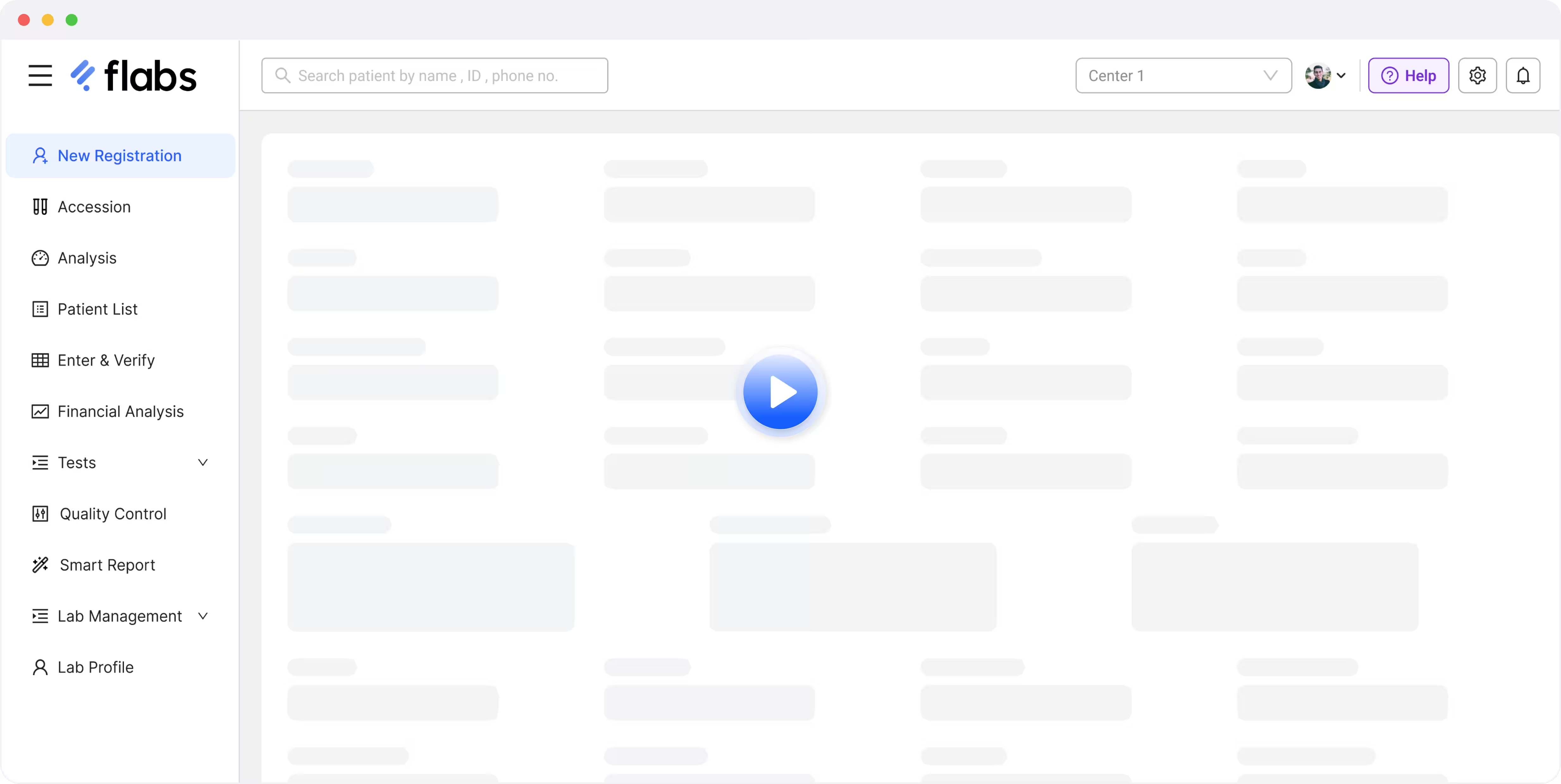
FLABS Radiology Software is designed for diagnostic centres that need structured radiology report creation, approval and delivery workflows. It helps imaging centres manage radiology report templates, digital approvals, patient and doctor report access, billing workflows and multi-branch reporting standardization.
FLABS is a strong option for diagnostic centres that want radiology reporting connected with broader lab operations such as patient registration, billing, report delivery and branch management.
Key Features
- Custom radiology report templatesDigital report approval workflows
- QR codes, barcodes and unique report IDs
- Patient and doctor report access
- Multi-branch report standardization
- Report sharing through supported digital channels
- Billing and diagnostic-centre workflow support
- Integration review for DICOM, PACS, RIS, HIS or EMR requirements where supported
Best for: Diagnostic centres and imaging clinics that need radiology report software with workflow, reporting and delivery support.
Explore FLABS radiology report software
2. KareXpert RIS-PACS
KareXpert offers a Radiology Information System with pre-integrated PACS for hospitals and radiology departments that need connected patient workflow, report management and medical image handling.
Its RIS-PACS setup is suitable for healthcare organizations that want scheduling, reporting, image access and radiology workflow management within a broader hospital technology ecosystem.
Key Features
- RIS with pre-integrated PACS
- Radiology workflow management
- Patient scheduling and report handling
- Medical image access and sharing
- Integration with hospital workflows
- Useful for in-house and outsourced radiology departments
Best for: Hospitals and larger healthcare organizations that need RIS and PACS together.
3. Nandico PACS
Nandico is a cloud-based PACS and teleradiology platform built for radiologists, diagnostic centres, hospitals and teleradiology teams. It focuses strongly on DICOM image viewing, cloud PACS, digital sharing and reporting workflows.
Nandico can be useful for radiologists who need fast image access, cloud-based case management and remote reporting support.
Key Features
- Cloud-based PACS
- DICOM viewer
- Teleradiology support
- Digital image sharing
- On-the-go reporting
- Centralized dashboard
- Reporting tools with customizable templates
- Suitable for radiologists, teleradiology companies and institutions
Best for: Radiologists, teleradiology teams and centres that need cloud PACS and DICOM viewing.
4. CrelioHealth Radiology Software
CrelioHealth offers radiology reporting and workflow software for diagnostic centres managing multiple imaging modalities. Its radiology platform supports report formats, automated distribution, search features and imaging-centre workflows.
It is useful for diagnostic centres that already use CrelioHealth or need radiology reporting connected with lab and centre-management operations.
Key Features
- Radiology report formats
- Automated report distribution
- Speech-to-text reporting
- Dynamic templates and intelligent snippets
- Boolean and keyword-based report search
- Support for modalities such as X-ray, CT, MRI, ultrasound, PET scan and angiography
- Radiology workflow and patient communication support
Best for: Diagnostic centres needing radiology reporting and workflow management across multiple modalities.
5. PostDICOM
PostDICOM is a cloud PACS and DICOM viewer platform designed for storing, viewing and sharing medical images. It is widely suited for imaging centres, hospitals, mobile radiology, teleradiology, research and second-opinion workflows.
PostDICOM is stronger as a PACS and image-sharing solution than as a full diagnostic-centre management system.
Key Features
- Cloud PACS
- Zero-footprint DICOM viewer
- Secure medical image sharing
- Automated device routing
- Reporting workflows
- API, FHIR and DICOMweb integration options
- Useful for mobile radiology and teleradiology workflows
Best for: Imaging teams that need cloud PACS, DICOM storage and image sharing.
6. RadioReport
RadioReport is a structured radiology reporting platform focused on standardized, anatomy-based reporting. Instead of relying only on free-text templates, it guides radiologists through structured modules to create consistent reports.
It is useful for radiologists and imaging teams that want to standardize reporting language and improve report consistency across cases.
Key Features
- Structured radiology reporting
- Anatomy-focused reporting workflow
- Guided reporting process
- Modular reporting approach
- Standardized and machine-readable reports
- Multilingual capability
- AI-supported structured reporting features where available
Best for: Radiologists who want structured, standardized reporting workflows.
7. Rad AI
Rad AI is an AI-focused radiology platform designed to support radiologists with report generation, impression drafting, follow-up workflows and reporting efficiency.
It is especially relevant for high-volume radiology groups and imaging organizations looking to reduce reporting burden while maintaining radiologist review and final approval.
Key Features
- AI-assisted radiology reporting
- Impression drafting
- Reporting standardization
- Workflow automation
- Follow-up management support
- Integration with existing radiology workflows
- Designed to reduce repetitive reporting work
Best for: High-volume radiology groups looking for AI-assisted reporting support.
Important note: AI-assisted reporting should support radiologists, not replace radiologist review or clinical approval.
8. Drlogy Radiology Software
Drlogy offers cloud-based radiology software for diagnostic centres and radiology clinics. It focuses on radiology centre management, report generation, patient communication and digital workflow support.
It can be considered by small and mid-sized radiology centres that want a cloud platform for daily reporting and operational workflows.
Key Features
- Cloud-based radiology software
- Radiology report generation
- Smart imaging reporting features
- Digital signature and QR-coded reports
- SMS, email and app notifications
- Android and iOS app support
- Radiology billing and workflow tools
Best for: Small to mid-sized radiology centres that need cloud-based reporting and patient communication.
9. Sectra RIS / PACS
Sectra is an enterprise imaging and PACS provider used by hospitals and large imaging networks. Its solutions support radiology imaging workflows, DICOM, HL7 and enterprise-level interoperability.
Sectra is better suited for larger hospitals, regional imaging networks and enterprise radiology departments than small independent diagnostic centres.
Key Features
- Enterprise imaging platform
- PACS and RIS ecosystem
- DICOM and HL7 support
- Workflow engine
- Multi-modality imaging support
- Enterprise image access and storage
- Suitable for human-driven and AI-assisted imaging workflows
- IHE and interoperability support in relevant products
Best for: Hospitals, enterprise imaging networks and high-volume radiology departments.
10. Qure.ai
Qure.ai is an AI medical imaging company focused on radiology AI tools for chest X-ray, head CT, chest CT and other imaging use cases. Its products support workflows such as abnormality detection, triage and AI-assisted reporting support.
Qure.ai is not a traditional RIS or PACS platform. It is better understood as an AI layer that can support radiology teams and imaging workflows.
Key Features
- AI support for chest X-ray through qXR
- AI support for head CT through qER
- AI-assisted abnormality detection
- Radiology workflow support
- Integration with existing imaging workflows
- Useful for high-volume screening and triage use cases
Best for: Imaging centres, hospitals and public-health programs that need AI-assisted radiology screening support.
Important note: AI tools should support clinical workflows and radiologist review. They should not be positioned as a replacement for qualified radiologists.
Top Radiology Software Comparison Table
| Software | Main Category | Best For | PACS / DICOM Strength | Reporting Strength | AI Capability | Best Buyer Fit |
|---|---|---|---|---|---|---|
| FLABS Radiology Software | Radiology report software / diagnostic workflow | Diagnostic centres and imaging clinics | Integration review required where supported | Strong | Workflow assistance where supported | Indian diagnostic centres |
| KareXpert | RIS-PACS | Hospitals and enterprise radiology departments | Strong | Good | May vary by setup | Hospitals and larger healthcare facilities |
| Nandico | Cloud PACS / teleradiology | Radiologists and teleradiology teams | Strong | Good | Verify with vendor | Radiologists and remote reporting teams |
| CrelioHealth | Radiology workflow and reporting | Diagnostic centres with multi-modality workflows | PACS integration where configured | Strong | Verify with vendor | Imaging centres and diagnostic labs |
| PostDICOM | Cloud PACS and DICOM viewer | Image storage and sharing | Strong | Moderate | Limited / verify | PACS, sharing and DICOM viewing users |
| RadioReport | Structured reporting | Radiologists needing standardized reports | Not primary PACS product | Strong | AI-supported structured reporting where available | Reporting-focused radiologists |
| Rad AI | AI radiology reporting | High-volume radiology groups | Integrates with existing workflows | Strong AI-assisted reporting | Strong | Radiology groups needing AI support |
| Drlogy | Cloud radiology software | Small and mid-sized radiology centres | Verify with vendor | Good | AI-based claims should be verified | Indian radiology centres |
| Sectra | Enterprise imaging / PACS / RIS | Hospitals and imaging networks | Strong | Good | Enterprise workflow support | Large healthcare organizations |
| Qure.ai | AI imaging software | AI-assisted screening and triage | Integrates with imaging workflows | AI-supported | Strong | Hospitals, screening programs and imaging centres |
Note: Features, pricing, integrations and compliance capabilities can change. Diagnostic centres should verify current product specifications, PACS/DICOM compatibility, data security, support terms and implementation requirements directly with each vendor.
Disclaimer: This list is for informational and comparison purposes only. Product features, pricing, integrations and compliance capabilities may change over time. Diagnostic centres should verify current specifications, certifications, PACS/DICOM compatibility and support terms directly with each vendor before purchase.
How to Choose the Right Radiology Software
Choosing the best radiology software depends on your centre’s size, modalities, reporting workflow and integration needs.
| Requirement | What to Check |
|---|---|
| Imaging modalities | Does the software support X-ray, ultrasound, CT, MRI, or other modalities used by your centre? |
| Reporting workflow | Can radiologists create, review, approve, and deliver reports easily? |
| PACS / DICOM support | Can it connect with your image storage or DICOM workflow? |
| Templates | Does it support modality-wise report templates? |
| Digital delivery | Can reports be shared through email, WhatsApp, patient portals, or secure links? |
| Billing | Does it support radiology billing and payment workflows? |
| Multi-branch use | Can it standardize reporting across centres? |
| Teleradiology | Does it allow secure remote reporting? |
| Integration | Can it work with HIS, EMR, LIS, PACS, or APIs where required? |
| Support | Does the vendor provide onboarding, template setup, and technical support? |
Do not select radiology software only by feature list. Ask vendors to demonstrate your actual workflow, including patient registration, image access, report creation, approval, delivery and billing.
When Should You Choose Radiology Reporting Software Instead of Full RIS/PACS?
Not every diagnostic centre needs a full enterprise RIS/PACS system immediately.
- You may start with radiology reporting software if:
- You mainly need report creation and digital delivery
- Your centre performs X-ray or ultrasound reporting
- You want standardized report templates
- Radiologists need faster approval workflows
- Patients and doctors need easier report access
- Billing and branch reporting need to connect with reports
You may need a deeper RIS/PACS setup if:
- You manage high imaging volume
- You need long-term DICOM image storage
- You need advanced image viewing tools
- You need teleradiology worklists
- You must integrate with hospital HIS/EMR systems
- You operate multiple radiology departments
For diagnostic centres focused on report workflows, FLABS radiology report software can be a practical starting point. For PACS, DICOM or HIS/EMR integration, the technical requirement should be reviewed with the FLABS team before implementation.
Buyer Checklist for Radiology Software
Before selecting a radiology software vendor, ask:
- Does it support the modalities we use?
- Can radiologists create structured reports quickly?
- Are X-ray, ultrasound, CT and MRI templates configurable?
- Can reports be approved with digital signatures?
- Can patients and doctors access reports online?
- Does it support WhatsApp, email or secure report delivery?
- Does it integrate with PACS or DICOM workflows?
- Does it support billing and payment workflows?
- Can we manage multiple branches?
- Can the system support teleradiology?
- Are audit trails and report history available?
- Is user access role-based?
- What onboarding and template setup support is provided?
- What is the pricing model?
- Can data be exported if we switch vendors?
Related read: Flabs Vs. Drlogy
Conclusion
The best radiology software depends on whether your centre needs full RIS, PACS, DICOM image management, structured reporting, AI-assisted workflows or diagnostic-centre operations.
For large hospitals, enterprise RIS/PACS platforms may be necessary. For independent diagnostic centres and imaging clinics, structured radiology reporting, digital approvals, report templates, billing and report delivery are often the first priorities.
If your centre wants to standardize reporting and deliver approved radiology reports faster, explore FLABS radiology report software. For teams that need report-format examples, FLABS also provides downloadable radiology report formats for common X-ray and ultrasound examinations.
Explore FLABS Radiology Reporting Software and View Radiology Report Formats
Get Started at ₹1!
Try Flabs for a full month for just ₹1.
Follow us on